The recent RAM shortage has made PC building more complicated, pushing prices up and forcing builders to be more selective with their parts. Instead of simply aiming for the highest performance possible, many now have to balance availability, cost, and overall design.
This build reflects that shift. It focuses on creating a clean, visually striking setup while still delivering solid performance. Some compromises are made along the way, but that trade-off between aesthetics and raw power is one many builders choose to make in pursuit of a system that looks as good as it runs.
Components Breakdown
CPU
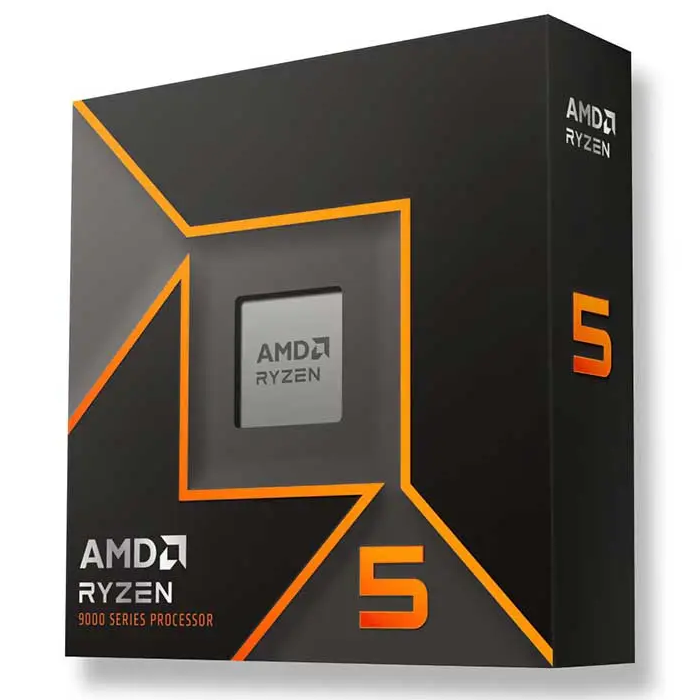
The Ryzen 5 9600X is a modern 6-core, 12-thread CPU built on AMD’s latest architecture, offering strong single-core performance and solid efficiency. With high boost clocks and support for the AM5 platform, it handles gaming and everyday tasks smoothly while keeping power consumption and temperatures under control.
GPU
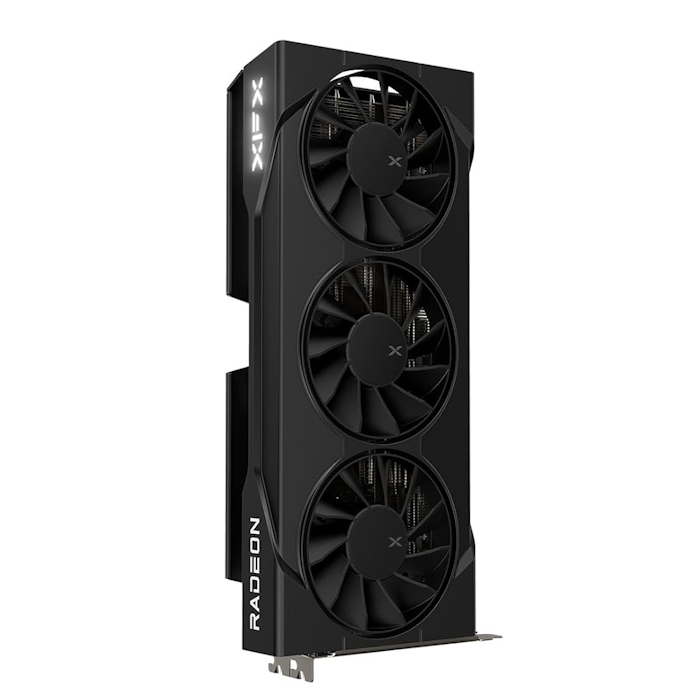
The Radeon RX 9060 XT 16GB pairs very well with the Ryzen 5 9600X, creating a balanced system with no real bottlenecks between the CPU and GPU. It delivers strong performance in modern games, especially at 1080p and 1440p, thanks to its efficient architecture and high clock speeds. The 16GB of GDDR6 VRAM is a major advantage, allowing it to handle newer, more demanding titles with ease while reducing stutters and improving overall smoothness. This makes it a solid choice for both current games and future releases without going overkill.
RAM
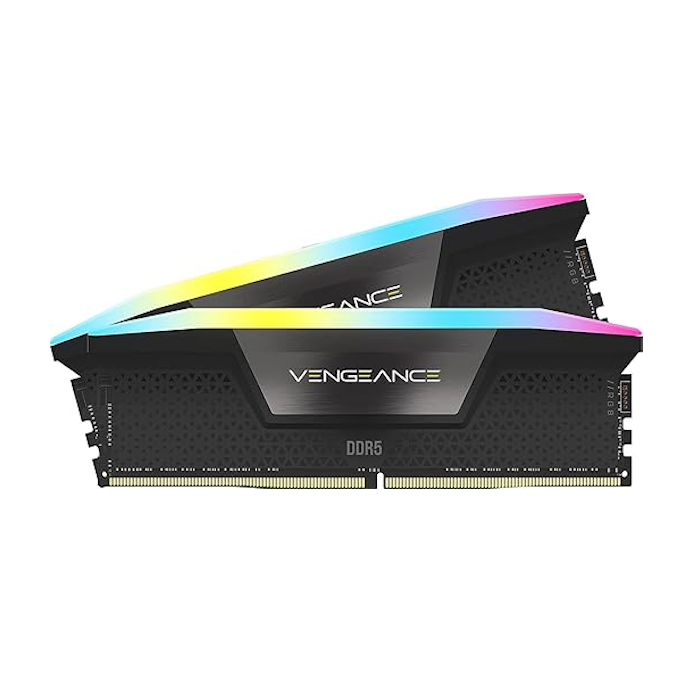
The Corsair Vengeance DDR5 32GB kit provides a solid amount of memory for modern gaming and multitasking, making it a reliable standard choice for this build. It ensures smooth performance across demanding applications and keeps the system responsive. If the price is too high, going with 16GB is still a perfectly reasonable option for most use cases, and it can always be upgraded later as needed.
Motherboard
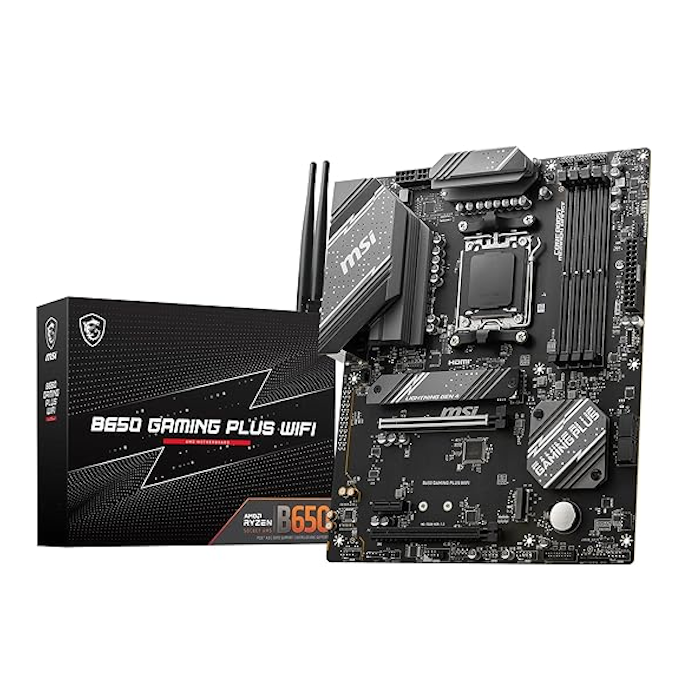
The MSI B650 Gaming Plus WiFi is a straightforward, reliable motherboard that fits perfectly into this build without overcomplicating things. It supports the latest AM5 CPUs and DDR5 memory, while offering useful features like Wi-Fi 6E, 2.5G LAN, and PCIe 4.0 for fast storage and GPUs.
Overall, it’s a solid, no-nonsense choice that gives you everything you need for a modern system, with decent cooling and power delivery, without paying extra for features you won’t really use.
Power supply
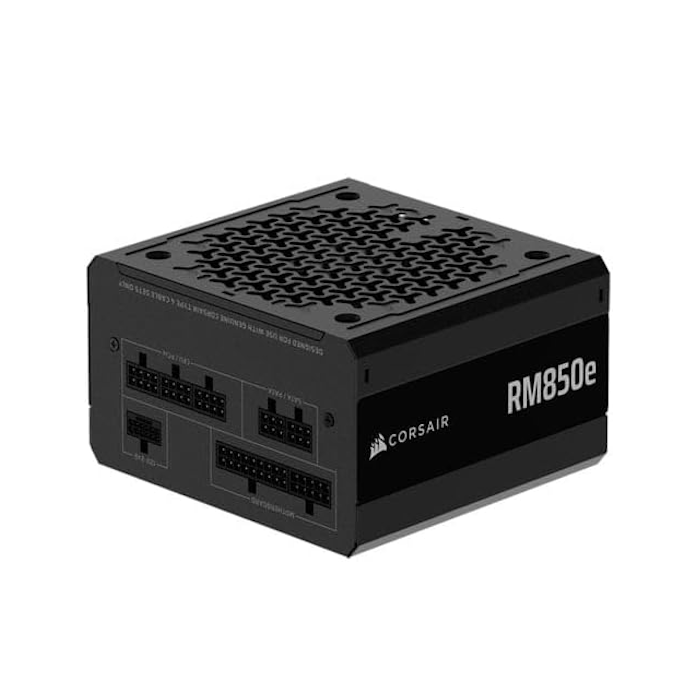
The Corsair RM850e (2025) is a great option for this build, even if it’s a bit overkill for the current setup.
It provides 850W of clean, reliable power with a fully modular design, making cable management easier and keeping the build neat. While the system doesn’t need that much power right now, the extra headroom makes it ideal for future upgrades, especially if you plan to upgrade the GPU later on.
Storage
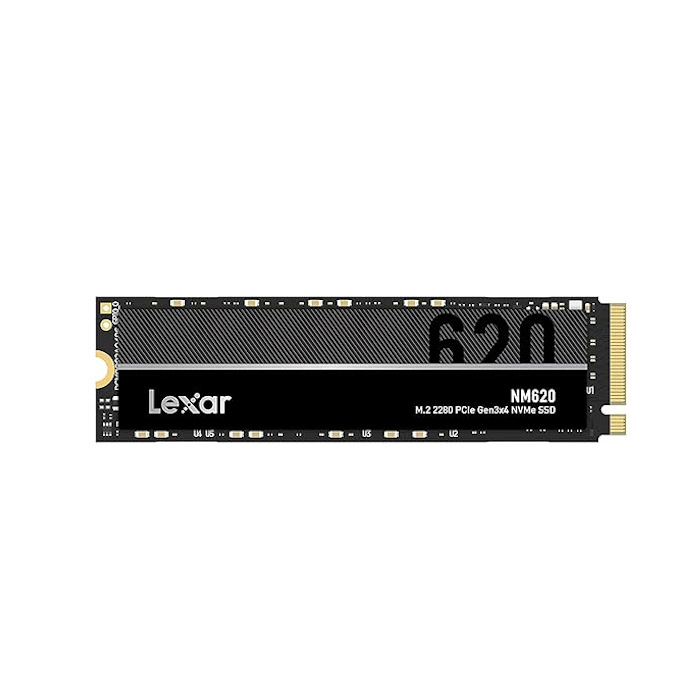
For storage, we’re going with the Lexar NM620 1TB SSD, a standard and reliable choice that gets the job done without anything fancy. It offers solid speeds with PCIe Gen3 NVMe performance, reaching around 3300 MB/s read and 3000 MB/s write, which is more than enough for fast boot times and smooth game loading.
Lately, SSD prices have been going up, so this kind of drive makes sense as a balanced option, giving you good performance and capacity without pushing the budget too far.
Cooler
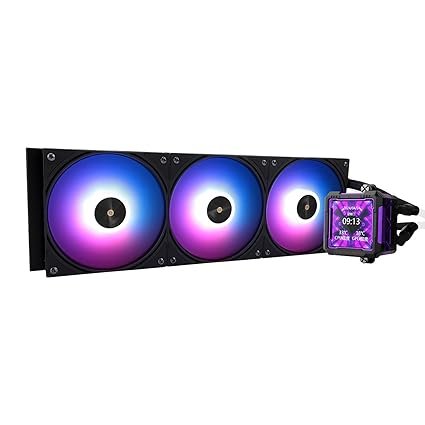
For cooling, we went with the Thermalright FW PRO 360, a 360mm AIO that brings more cooling power than this system really needs.
It’s definitely overkill for the Ryzen 5 9600X, but the choice was made mainly for aesthetics, especially because of the built-in screen that adds a premium look to the build. Performance-wise, it easily keeps temperatures low, but here it’s more about style and personal preference than necessity.
That said, it’s always recommended to choose your own cooler based on your budget, preferences, and how much importance you give to aesthetics versus pure performance.
Case
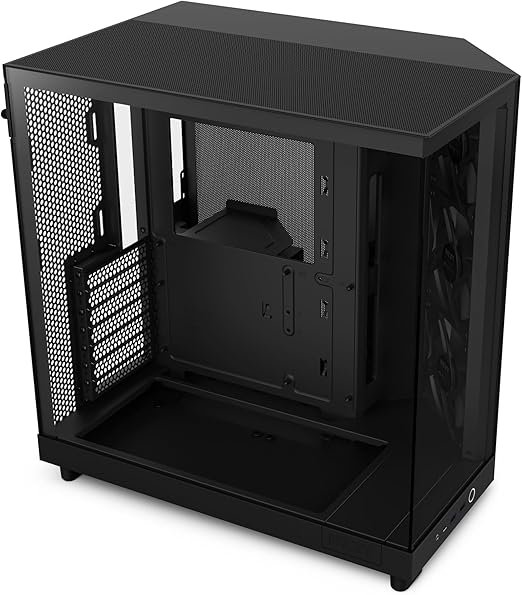
For the case, we went with the NZXT H6 Flow, a clean and modern chassis that focuses heavily on aesthetics and airflow.
It features a dual-chamber layout and a panoramic glass side panel, which makes the whole build look very clean and showcase-focused. At the same time, it still offers strong airflow and enough space for high-end components, including support for a 360mm radiator and large GPUs, making it both practical and visually appealing.
Overall, it’s a perfect match for this build’s direction, balancing performance, airflow, and a strong focus on aesthetics.
Fans and RGB controller
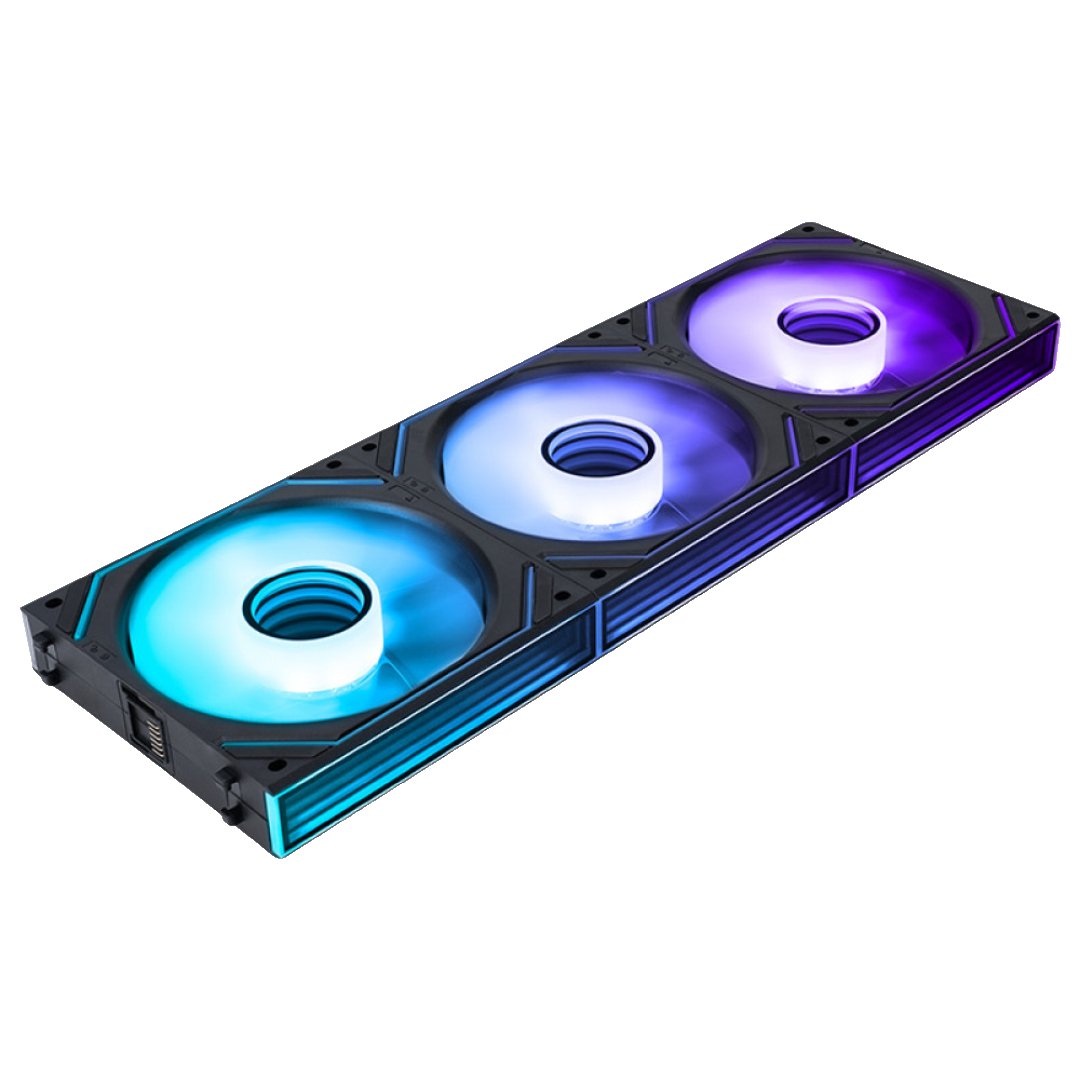
For case fans, we went with the AsiaHorse Dawn Pro ARGB fans, a budget-friendly option that still delivers solid performance and clean aesthetics.
They offer good airflow and smooth ARGB lighting, helping keep the system cool while maintaining a clean visual style. One of their biggest advantages is the daisy-chaining support, which makes cable management much easier and similar to what you’d find on more expensive fan systems.
Overall, they’re a great value choice, giving you both performance and aesthetics without the high price tag.
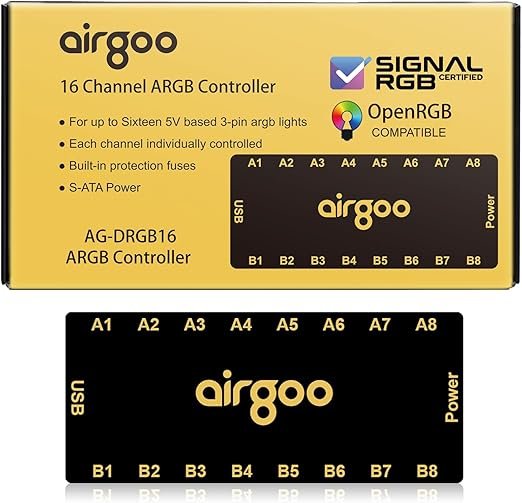
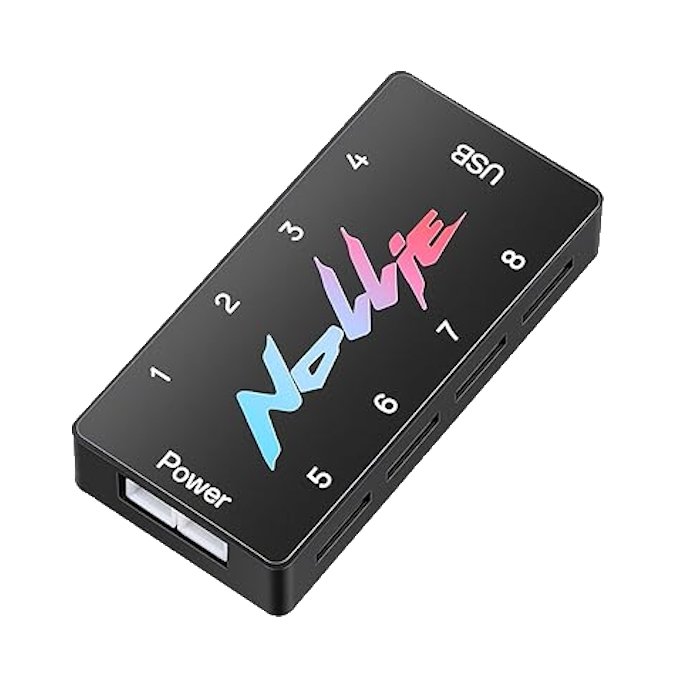
To make all the RGB components work together, a controller is needed, and we chose between two options: the AIRGOO 16-port ARGB controller and the Nollie 8-port ARGB controller.
Both controllers are compatible with SignalRGB and OpenRGB, which are software tools used to control and synchronize RGB lighting across all components in a single interface. This makes it easy to customize effects, colors, and patterns without relying on multiple different apps from each brand.
Headset
For audio, most gaming headsets tend to have that overly “gamer” design with flashy styling, but the Picun G2 Wireless keeps things much cleaner and more understated while still being practical for everyday use.
They offer solid wireless performance, comfortable fit, and long battery life, making them a simple and stylish alternative to typical bulky gaming headsets.

Keyboard
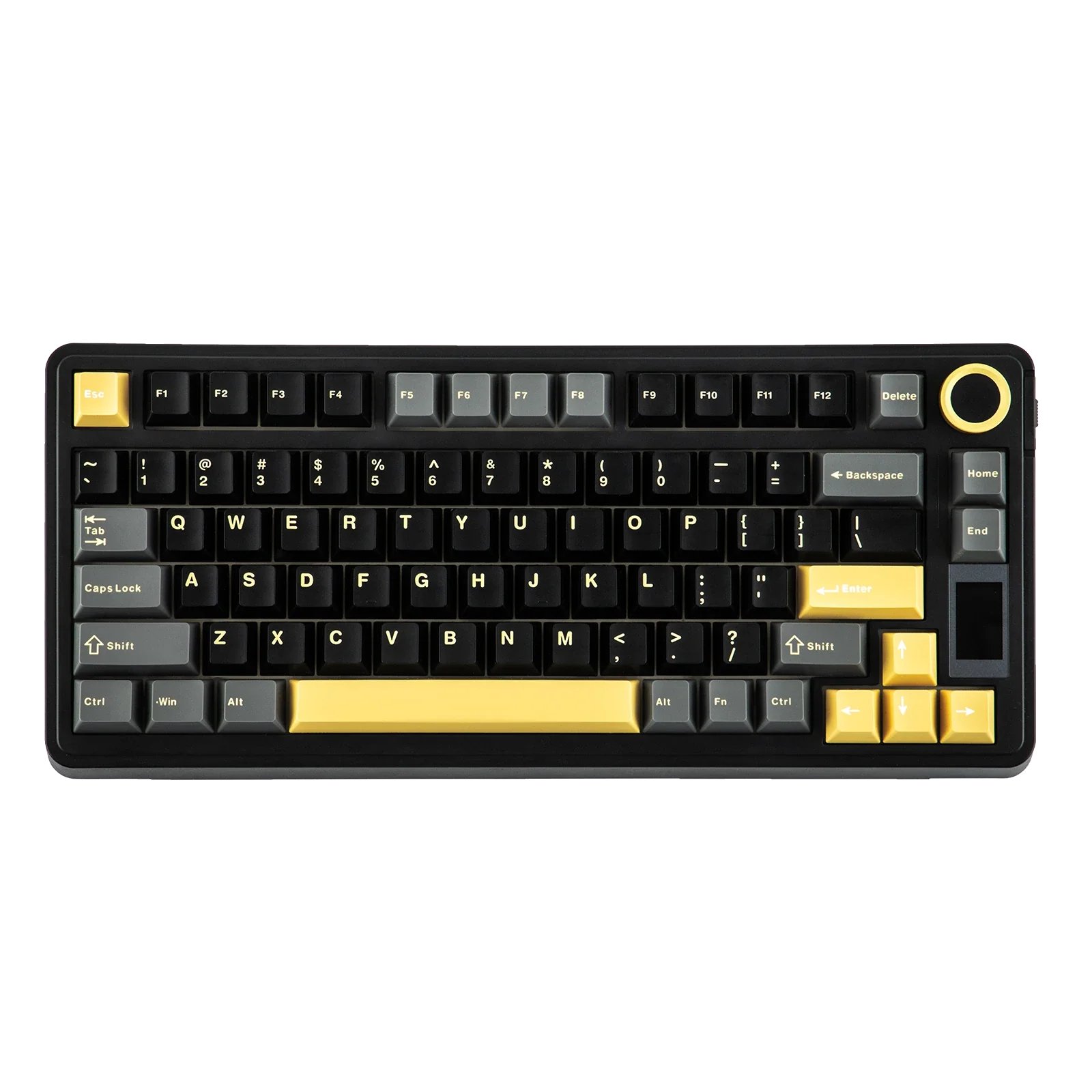
For the keyboard, we went with the EPOMAKER x AULA EA75 Max wireless keyboard, a well-known option in the budget custom keyboard space.
It offers a premium typing feel thanks to its gasket-mounted design, making each keystroke smoother and more satisfying. The wireless connection keeps the setup clean and clutter-free, while still being responsive enough for gaming. It also includes RGB lighting and a compact layout, fitting well into an aesthetic-focused build.
Overall, it’s a solid mix of performance, comfort, and style.
Monitor
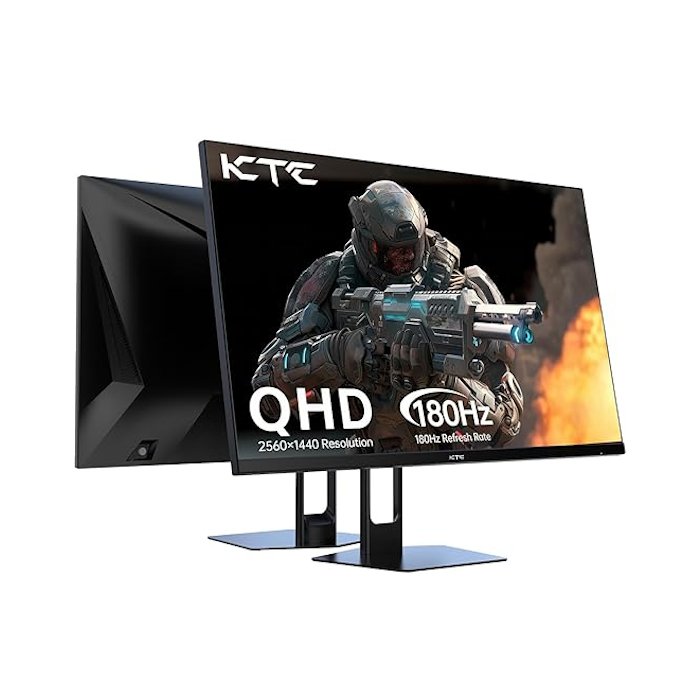
For the monitor, we went with the KTC 27-inch QHD 200Hz Gaming Monitor, a strong match for the performance of this build.
It features a 2560×1440 resolution at 200Hz (up to 210Hz), delivering sharp visuals and very smooth gameplay. The Fast IPS panel provides quick 1ms response times along with good color accuracy (131% sRGB), making it great for both gaming and general use. With HDR10 support and multiple connectivity options (2× DisplayPort and 2× HDMI), it’s a well-rounded choice that fully takes advantage of the system’s capabilities.
Other Accessories
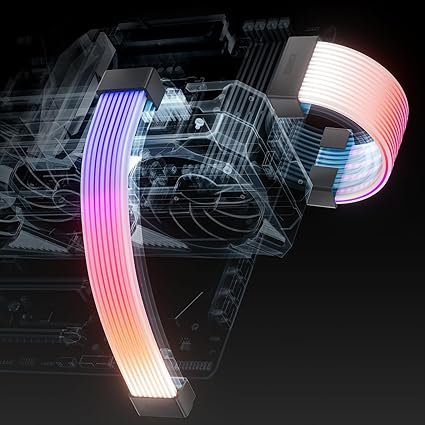
For accessories, we went with RGB strimer cables, specifically from AsiaHorse, but this applies to strimers in general.
Strimers are RGB-lit cable extensions for the motherboard and GPU, designed purely for aesthetics. They add bright, animated lighting that makes the build stand out much more. These are a lot cheaper than premium options while still delivering a very similar look, making them a great value choice.
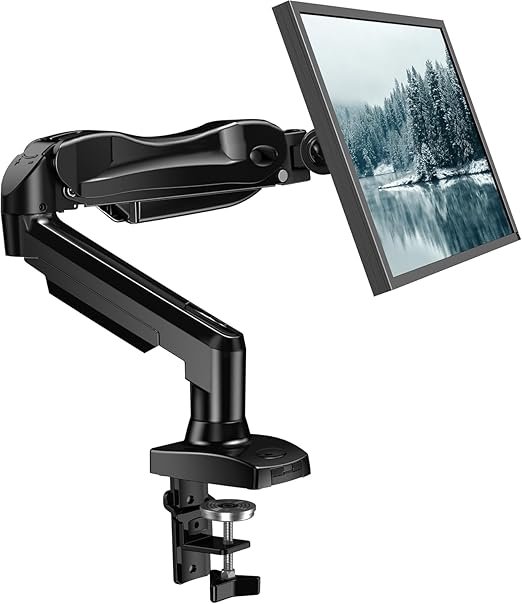
We also added a single monitor arm, going with a HUANO model.
It’s a simple but very useful upgrade that helps free up desk space and makes the setup look much cleaner. Thanks to the gas-spring design, you can easily adjust height, tilt, and position to get a more comfortable viewing angle. It also supports standard VESA mounts and offers good flexibility for different setups, making it a practical addition overall.